Why is a still file rejected?
A static image or a file whose frames are all identical is not treated as an animation.
GIF TOOLS
Save an entire video or a selected segment as an animated GIF.
MP4 · MOV · WebM
One video · Source and result: up to 50MB each
or drag and drop a file here.Reduce duration, dimensions, or FPS for a smaller GIF. Small originals are not enlarged.
Choose an actual animated WebP animation, not a still image with a similar extension.
Choose an output width and a background color for transparent areas. Frame order and timing are read from the source.
Download and reopen the GIF. Check the first and last frame, movement, loop and filled transparent areas.
A static image or a file whose frames are all identical is not treated as an animation.
GIF delays use 10ms units, and this tool saves very short delays at a minimum of 20ms. Small timing differences can result.
The selected background fills transparent areas. Inspect edges against that color.
Tool files and calculation inputs are processed in your browser, without uploading them to a processing server.
Keep original files and reopen downloaded results before replacing a working copy.
A test animated WebP containing two distinct frames
A GIF with two decodable frames
Compare motion, timing and background. A still WebP is not an animation input.
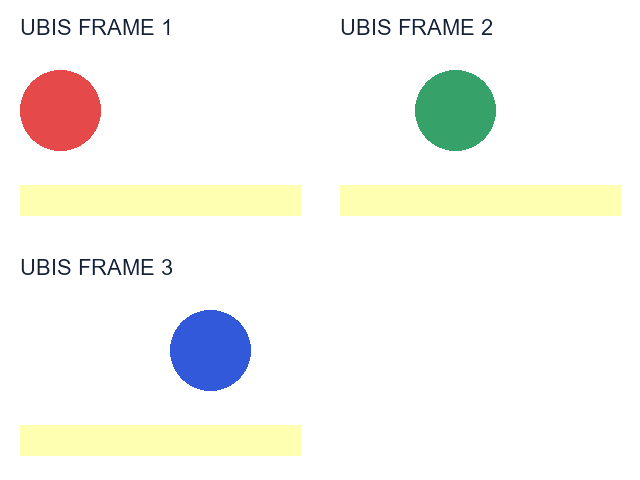
Examples use synthetic, non-personal test material. Results apply to the inputs and settings shown; different files and devices can produce different sizes, timing and appearance.