Is the 30-second recommendation a hard duration limit?
No. There is no duration cap, but long clips can require substantial memory and processing time. Input and output files each have a 50MB limit.
GIF TOOLS
Save an entire video or a selected segment as an animated GIF.
MP4 · MOV · WebM
One video · Source and result: up to 50MB each
or drag and drop a file here.Reduce duration, dimensions, or FPS for a smaller GIF. Small originals are not enlarged.
Load a supported MP4 file. The container extension alone does not guarantee that the internal video codec can be decoded.
For a segment, set its start time and duration. Choose width and FPS; smaller dimensions and fewer frames can reduce memory use and output size.
Inspect the full saved loop and its start and end. GIF has no sound, so the original audio track is not part of the result.
No. There is no duration cap, but long clips can require substantial memory and processing time. Input and output files each have a 50MB limit.
The browser loads the conversion engine on first use. The video codec, dimensions, duration and device also affect processing time.
No. Codec variants, HDR and unusual files may fail or produce different colors. Keep the original and check the actual result.
Tool files and calculation inputs are processed in your browser, without uploading them to a processing server.
Keep original files and reopen downloaded results before replacing a working copy.
A short synthetic MP4, using width 240px and default FPS
The tested clip produced a GIF with 20 decodable frames
Frame counts depend on FPS and range. The GIF contains no audio.
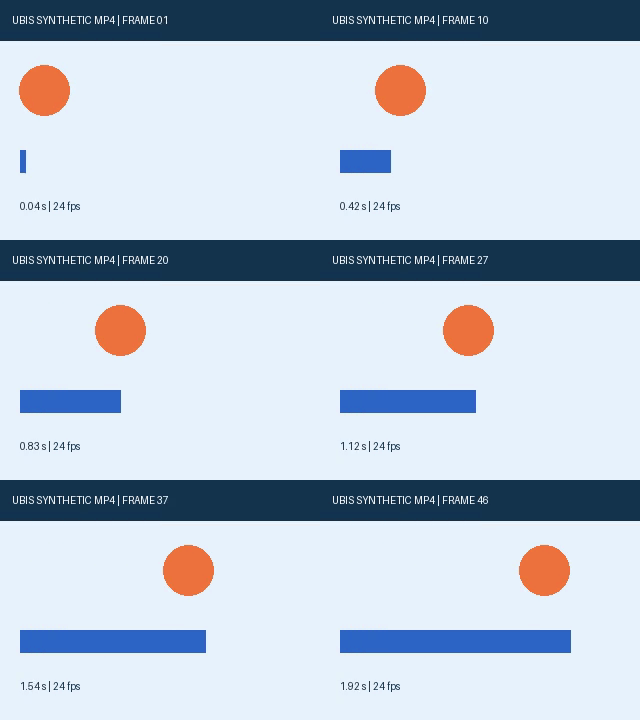
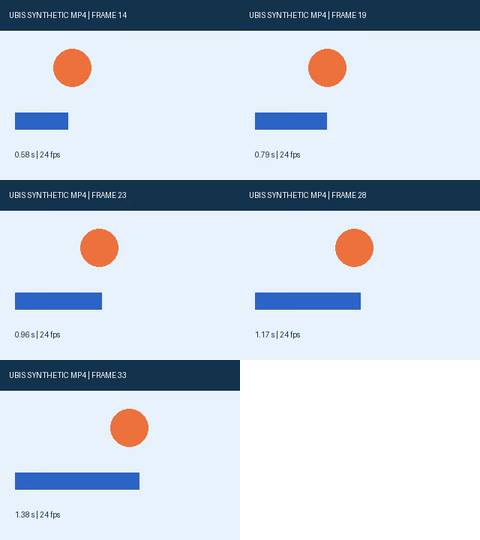
Examples use synthetic, non-personal test material. Results apply to the inputs and settings shown; different files and devices can produce different sizes, timing and appearance.