Which format should I use for transparency?
PNG or WebP can retain transparent areas. JPG fills them with the chosen background color.
IMAGE TOOLS
Convert WebP to JPG or PNG. Animated WebP is saved as a single still image.
or drag and drop a file here.
JPG · PNG · WebP · HEIC · BMP · TIFF
Up to 20 files · 20MB per file · 100MB combinedFree, no sign-up · Processed on your device
READY TO SAVE
Changing settings and converting again replaces the previous results.
Add supported images. For an animated WebP, this tool produces a still image; use WebP to GIF to preserve motion.
Compare JPG, PNG and WebP. Set quality, background and size only where the selected format offers them.
Reopen the image and check actual dimensions, transparency, colors and file size.
PNG or WebP can retain transparent areas. JPG fills them with the chosen background color.
No. A detailed photo can be much larger as PNG. Compare the actual outputs rather than the extension alone.
No. Animated WebP becomes a still image in this format converter.
Tool files and calculation inputs are processed in your browser, without uploading them to a processing server.
Keep original files and reopen downloaded results before replacing a working copy.
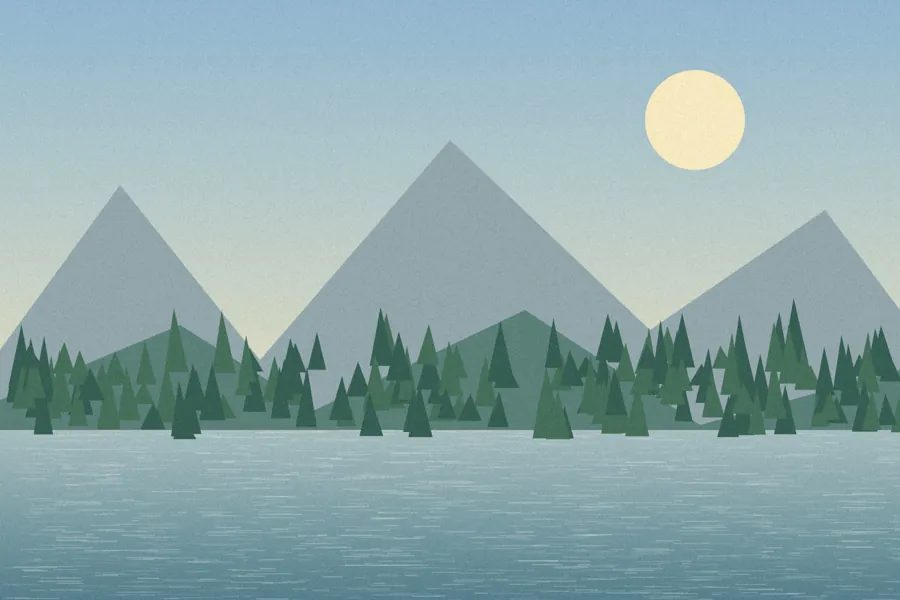
A synthetic 900 × 600px landscape WebP
A converted 900 × 600px image
This is generated test artwork, not a photograph. Compare formats, sizes and colors.
Examples use synthetic, non-personal test material. Results apply to the inputs and settings shown; different files and devices can produce different sizes, timing and appearance.