Can indexed-color BMP files be converted?
Supported indexed BMPs can be decoded, but not every BMP variant is supported. Test the actual file.
IMAGE TOOLS
Convert BMP images to JPG or PNG.
or drag and drop a file here.
JPG · PNG · WebP · HEIC · BMP · TIFF
Up to 20 files · 20MB per file · 100MB combinedFree, no sign-up · Processed on your device
READY TO SAVE
Changing settings and converting again replaces the previous results.
Choose BMP files and check whether their color depth is supported.
Choose the output format and offered quality or size settings. PNG is useful when comparing fine lines and flat colors.
Inspect lettering, palette colors and dimensions. Keep the original BMP if its bit depth or metadata is required.
Supported indexed BMPs can be decoded, but not every BMP variant is supported. Test the actual file.
No. A JPG is a newly encoded raster image and does not preserve the BMP palette structure.
Yes. Final size depends on the contents and output format, even when the original BMP was compressed.
Tool files and calculation inputs are processed in your browser, without uploading them to a processing server.
Keep original files and reopen downloaded results before replacing a working copy.
A synthetic 900 × 600px 24-bit BMP
A converted 900 × 600px image
Other palettes and bit depths can have different support and results.
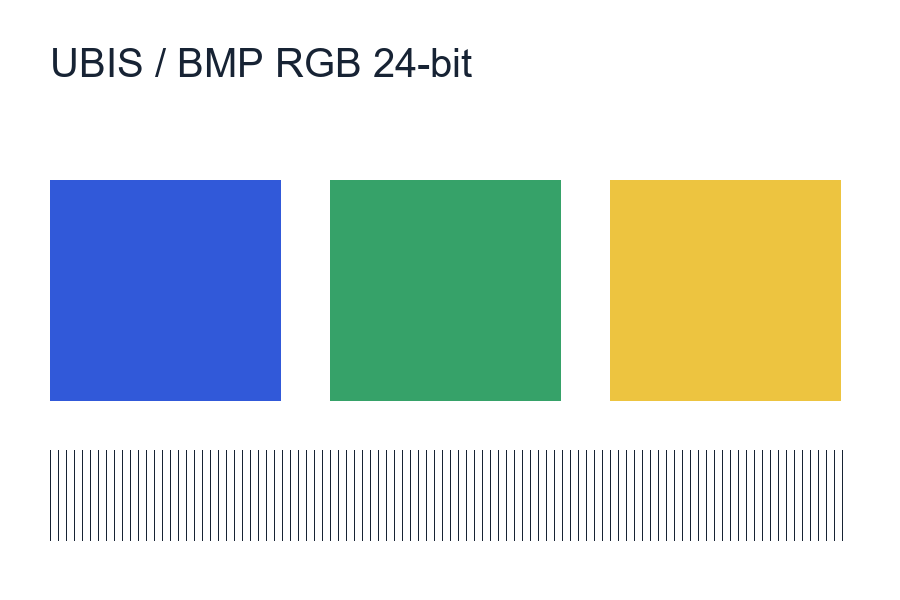
Examples use synthetic, non-personal test material. Results apply to the inputs and settings shown; different files and devices can produce different sizes, timing and appearance.